Understand what AI rendering is, how it fits into your SketchUp workflow, and how to start creating AI renderings from your own models.

Every new tool promises impressive results. But knowing what’s actually useful for your SketchUp projects can feel overwhelming.
Intro to AI Rendering helps you skip the confusion and move forward with confidence.
Learn workflows you can apply to real projects, with step-by-step guidance, practice files, and instructor support.
Follow a clear workflow for preparing your SketchUp view, choosing a rendering tool, and creating an image you can build on.
Use prompts, reference images, and targeted edits to explore specific design changes and develop the directions you and your clients like.
Learn when your project calls for greater precision, and how to combine AI with traditional rendering to get the control you need.

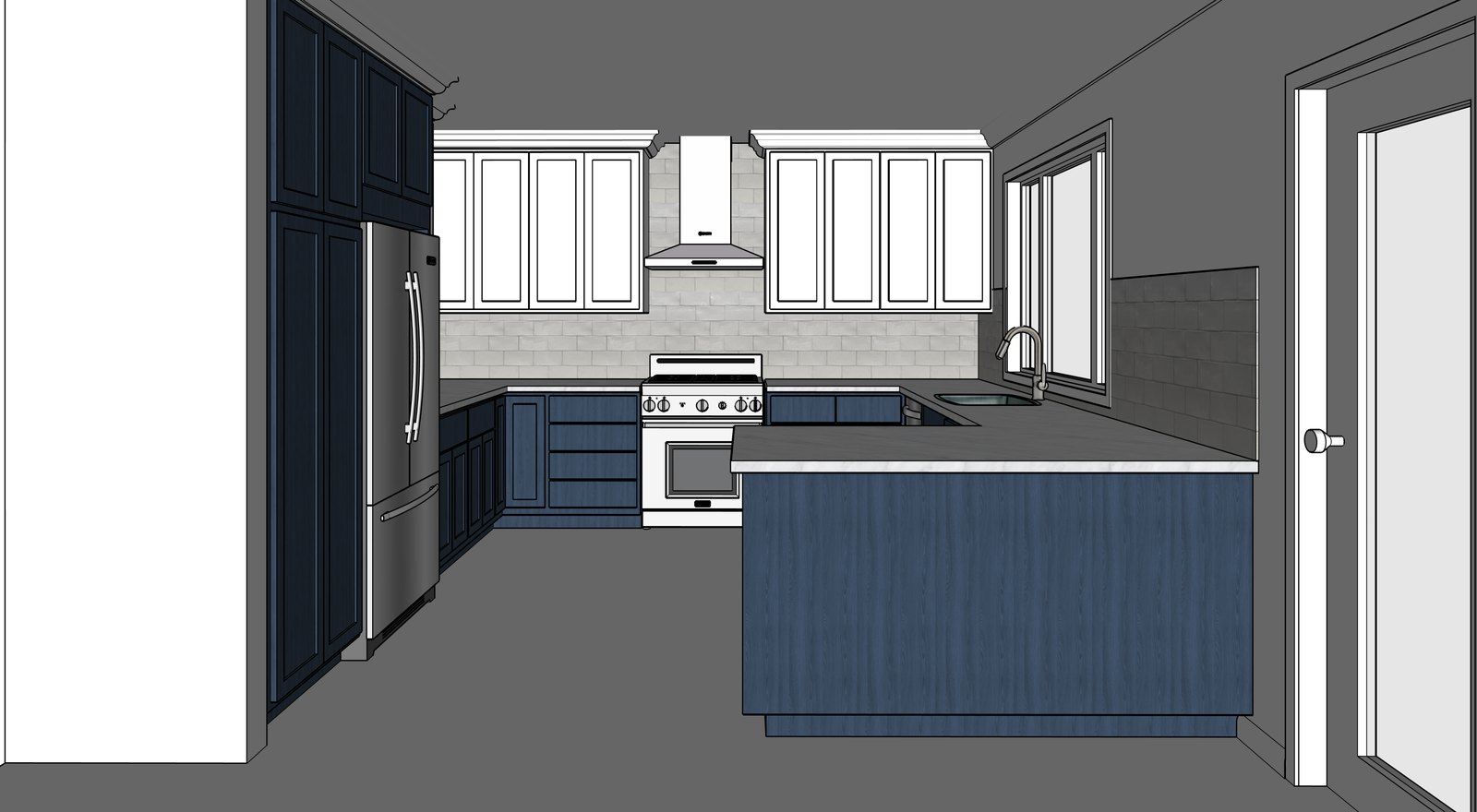 SketchUp model AI rendering

“I’ll walk you through the options so you can choose the tools and workflows that make the most sense for your projects.”
The Video Course Library
That’s why we offer one membership that gives you access to all of our courses including Intro to AI Rendering.
When you sign up for a free trial, our goal is to help you learn what you need to learn. We do that through our courses along with guidance and support from our instructors.
Tell us about your work and your SketchUp experience when you sign up. An instructor will reach out to help you identify the lessons that matter most for your goals, what you can skip, and where to go next.
Follow clear, step-by-step lessons, then put what you’ve learned into practice with challenges along the way. You’ll build the skills to create, edit, and present your own models.
Have a question about a lesson or how it applies to your work? Ask an instructor. We’ll help you understand the approach so you can keep moving forward.
“It has been so great to have someone I can ask questions and not have to spend hours finding answers on the internet.”
“I just wanted to say thank you for answering all of my questions and guiding me on a track that was applicable to my industry.”
Before we get into more details about what you get once you sign up, let us tell you who this is NOT for:
If you’re a hobbyist, a membership to our Video Course Library is overkill as we dive deeper into topics than you need to go.
If, on the other hand, you need to use SketchUp professionally in any of the following fields:
OR if any of the following topics sound like something you need to learn:
Then our Video Course Library is perfect for you.
You commit to your goal. We commit to helping you reach it.
Here’s a quick recap of what you get when you invest in a membership:
Extra bonus
Save 10% off the price of SketchUp Pro
If you need to buy SketchUp Pro, might as well save some money!
“I am so pleased with this learning program you have designed. It is worth every penny and works perfectly for me.”
We’ll make this super easy:
You give us a try for a week for free.
After a week, if you think we can help, stick around for $159 per month
(that’s just $5.30 per day)
AND
If you decide to stick around for a while, you can save yourself some money with our semi-annual plan (you save $365) or our annual plan (you save $1,309).
100% risk-free. Cancel anytime. No hassle.
Have a question? Chat with us.